Turn a spare phone into a camera that notices things.
Point an old Android phone at a room. Intrude records a clip the moment something moves, tells you about it, and keeps every frame on the phone where you left it.
Free to use. Pro is one payment, not a subscription.
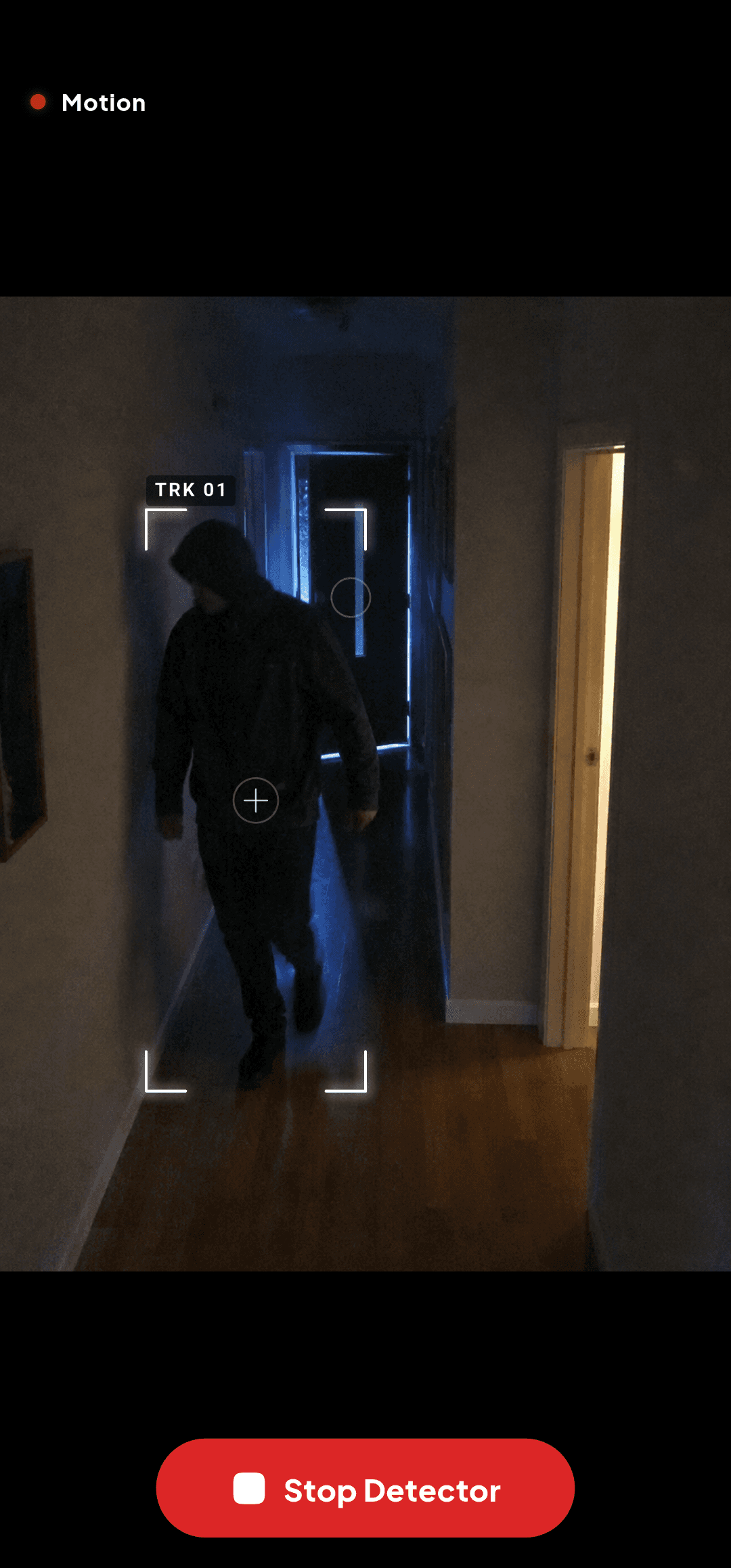
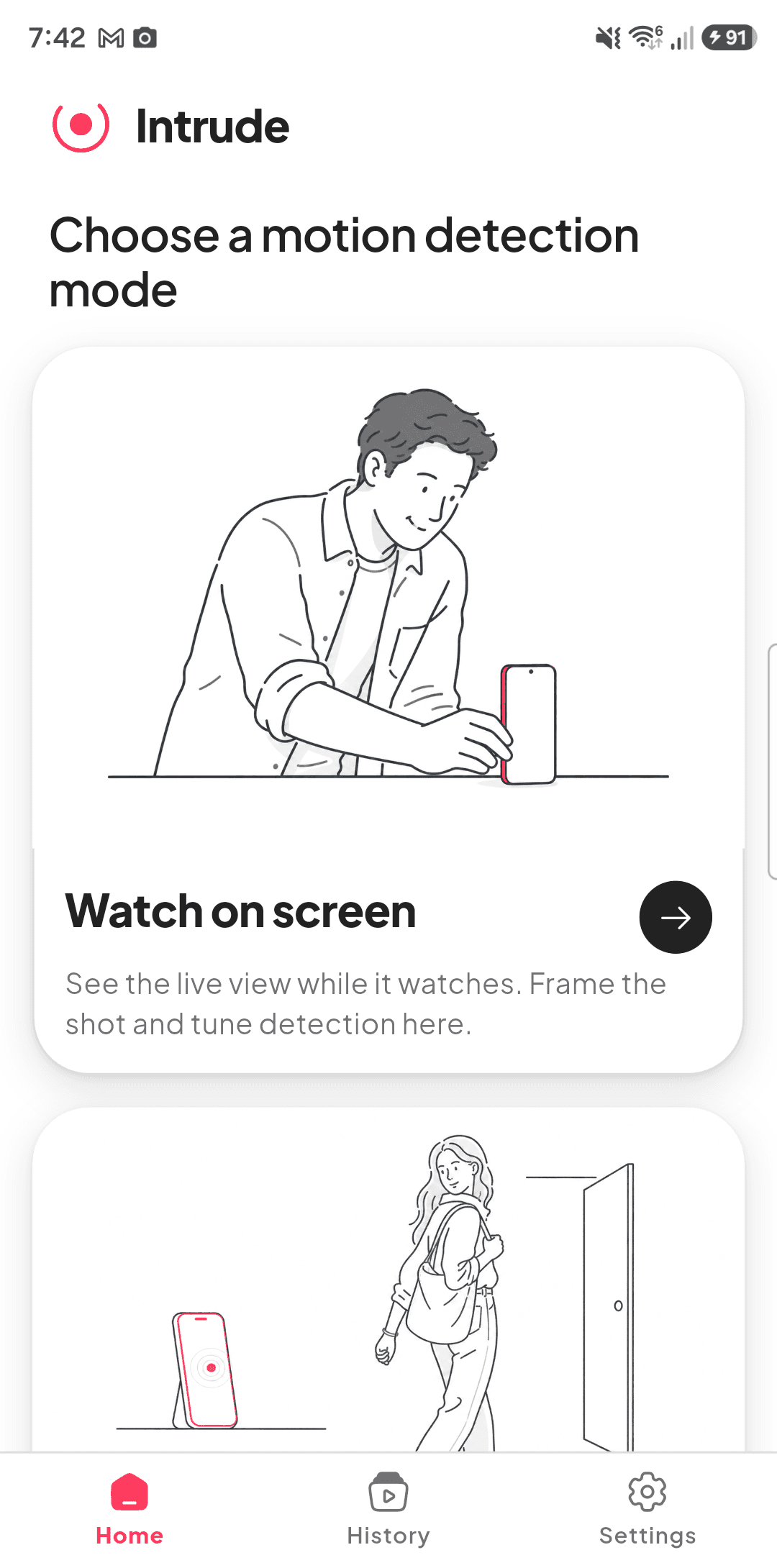
Three steps, then you can forget about it.
No hub to buy, no wiring, no installer visit. The hardware is a phone you already own and stopped using.
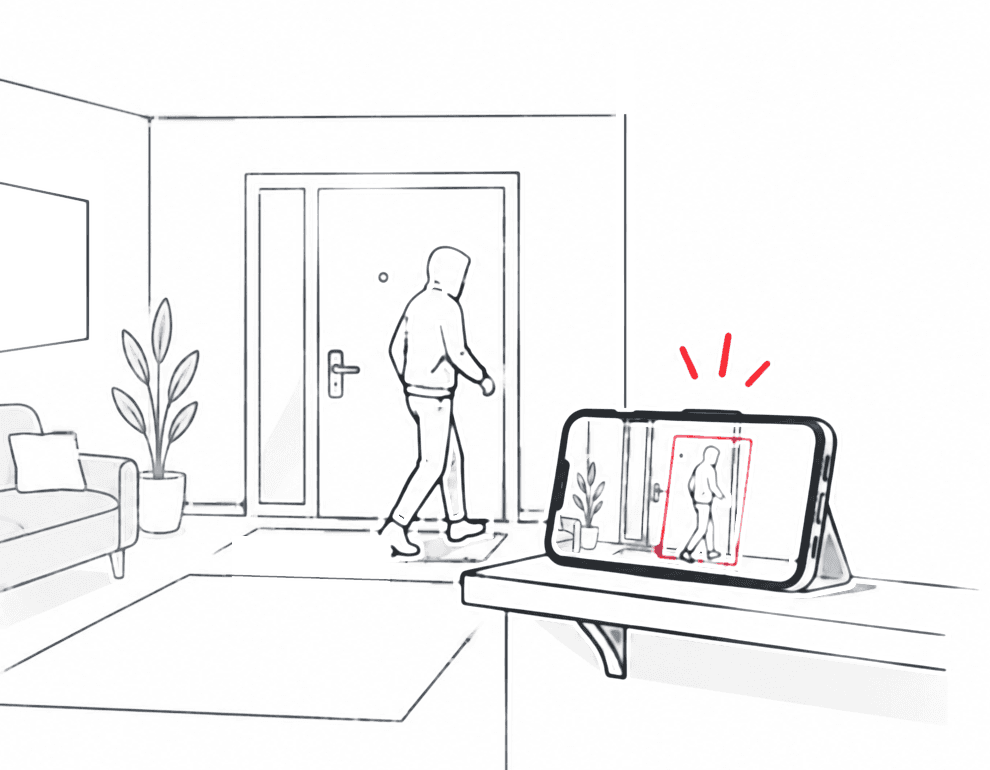
Watch anywhere
Prop up a phone you no longer carry around and point it at the door, the cot, the garage. It records when it sees motion, and the clips stay on that device.
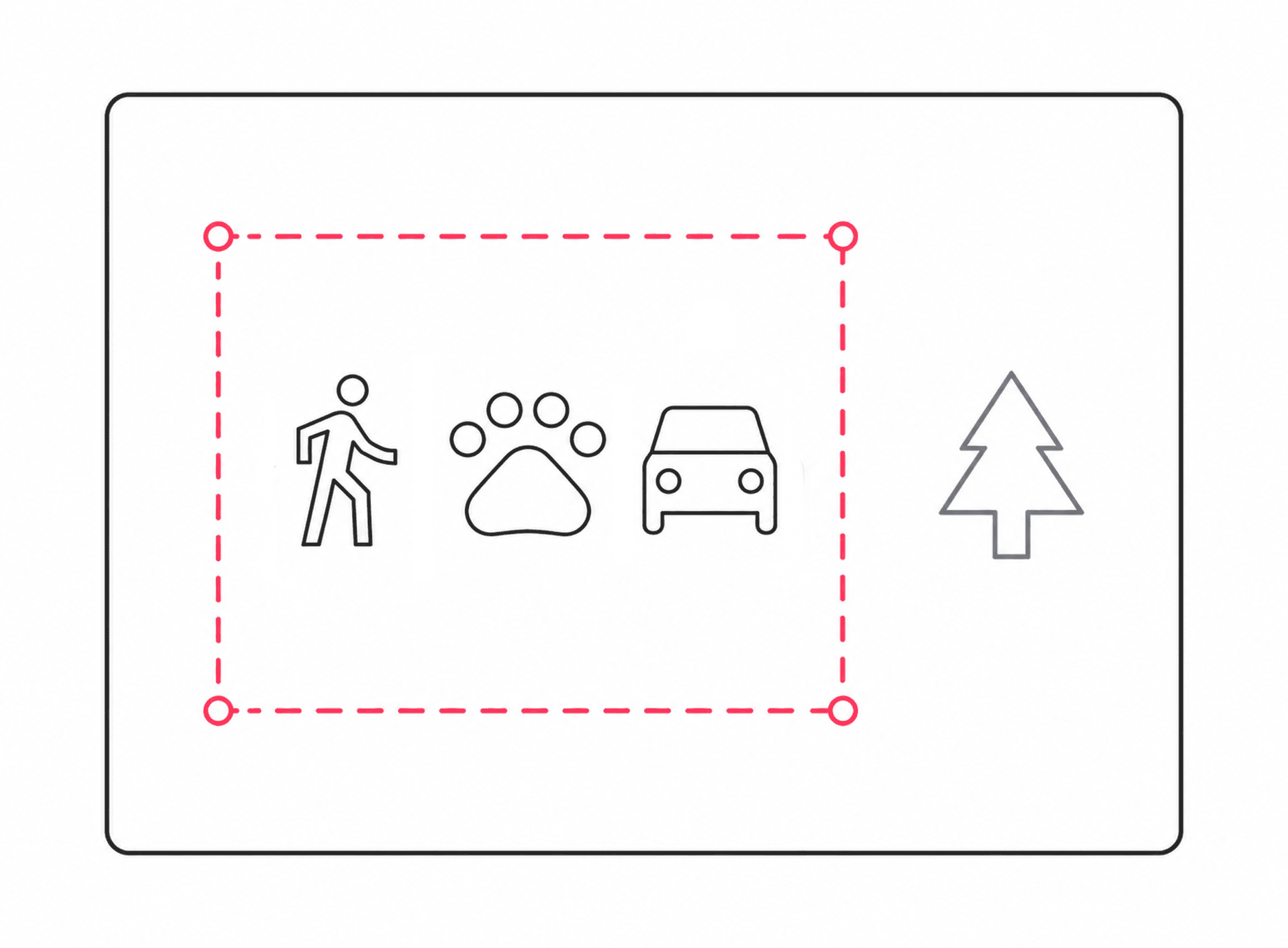
Decide what counts
Draw zones so only the door or the driveway triggers a recording. Then choose what to watch for: people, animals, vehicles, or anything that moves.

Every trigger is a clip
Motion starts a recording. Clips land under History, where you can play them back, save them to this phone, or share them.
A security camera without the security camera company.
Everything below runs locally. The features marked Pro are unlocked by a single payment.

Motion detection that runs on the phone
Frames are compared on the device, several times a second. Nothing is uploaded for a server to look at, so detection keeps working when the internet does not.

Clips that start before the motion
A few seconds of footage from before the movement are already in the buffer when a clip begins, so you see what led up to it rather than joining halfway through.
 Pro
ProDetection zones
Draw zones so only the areas you care about trigger motion detection. A doorway gets watched, a curtain by an open window does not.
 Pro
ProChoose what counts as motion
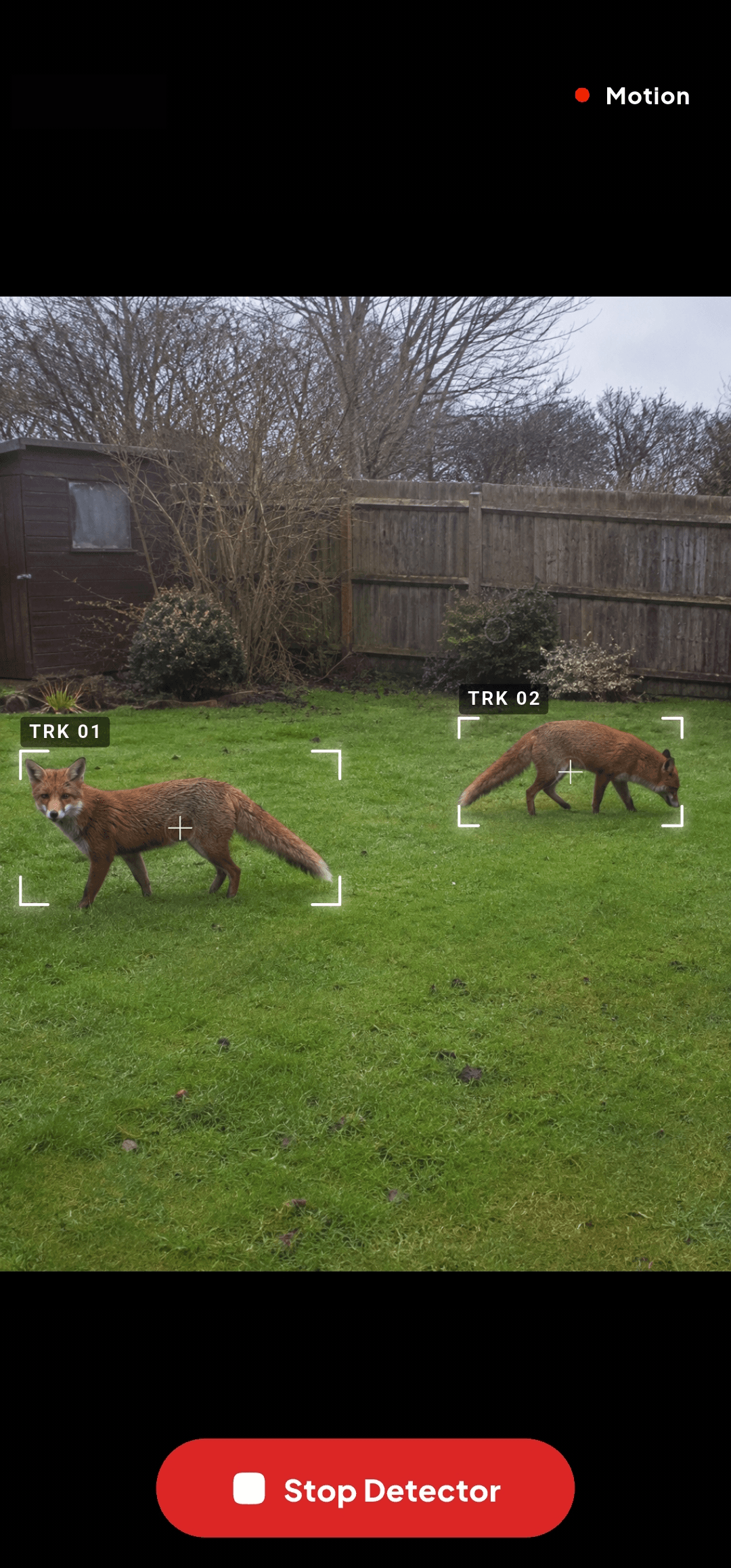
Watch for just people, animals and vehicles. Everything else that moves is ignored, so the fox crossing the drive at 3am stops waking you up.

Alerts and an alarm
A notification the moment something is seen, with a Stop control. Or a siren, if you would rather whatever is out there knew it had been noticed.

Built for a dark room
Sensitivity adapts as the light drops, and the torch can come on by itself when the scene gets too dark to judge.
 Pro
ProBack up your whole library
Save clips in batches and keep the whole library backed up to a folder on your phone. Saving or sharing one clip is always free.

No account, ever
There is no sign up, no email, and no password, because there is no server holding anything of yours to log in to.
Pay once, if you ever need to.
The free tier is a working camera, not a trial that stops after a week.
Free
Everything you need to watch a room.
- Motion detection and capture
- Video clips, including the seconds before the motion
- Background watching and alerts
- Alarm siren
- Your whole capture history, kept on the phone
- Save or share a clip, one at a time
Intrude Pro
One payment, restored by Google Play on any phone.
- Detection zones
- Choose what counts as motion
- 1080p and 4K video
- Back up your whole library
- Slow motion and fast forward
- Photos from your clips
- No Intrude mark on your clips
The usual questions.
Does the video go to the cloud?
No. Captures are written to the phone's own storage and stay there. There is no upload, no remote viewing, and no server holding your footage. If you want a capture somewhere else, you export it yourself.
Does it work without internet?
Yes. Detection, capture, alerts, and the alarm all run on the device. The only things that need a connection are buying Pro, the check that confirms you own it, and, if you leave it on, anonymous crash reporting.
Will it keep watching if I lock the phone?
Yes. Watching continues in the background with a persistent notification carrying a Stop control, which is how Android requires a camera to behave when it runs with the screen off.
What does it cost?
The app is free, and the free tier is genuinely usable: it keeps your whole capture history, and nothing expires. Intrude Pro is a single payment that unlocks detection zones, subject filters, 1080p and 4K, batch saving and library backup, playback speed and frame grabs, and clips without the Intrude mark. There is no subscription.
How much battery does it use?
Running a camera continuously is demanding, so leave the phone on a charger for anything longer than a short session. That is true of any always-on camera, not just this one.
Is there an iPhone version?
Not yet. Intrude is Android only for now.
That old phone in the drawer has one job left.
Free on Google Play. Works on Android phones with a working camera, including the one you replaced two years ago.
Get it on Google PlayStore link goes here once the listing is live.